

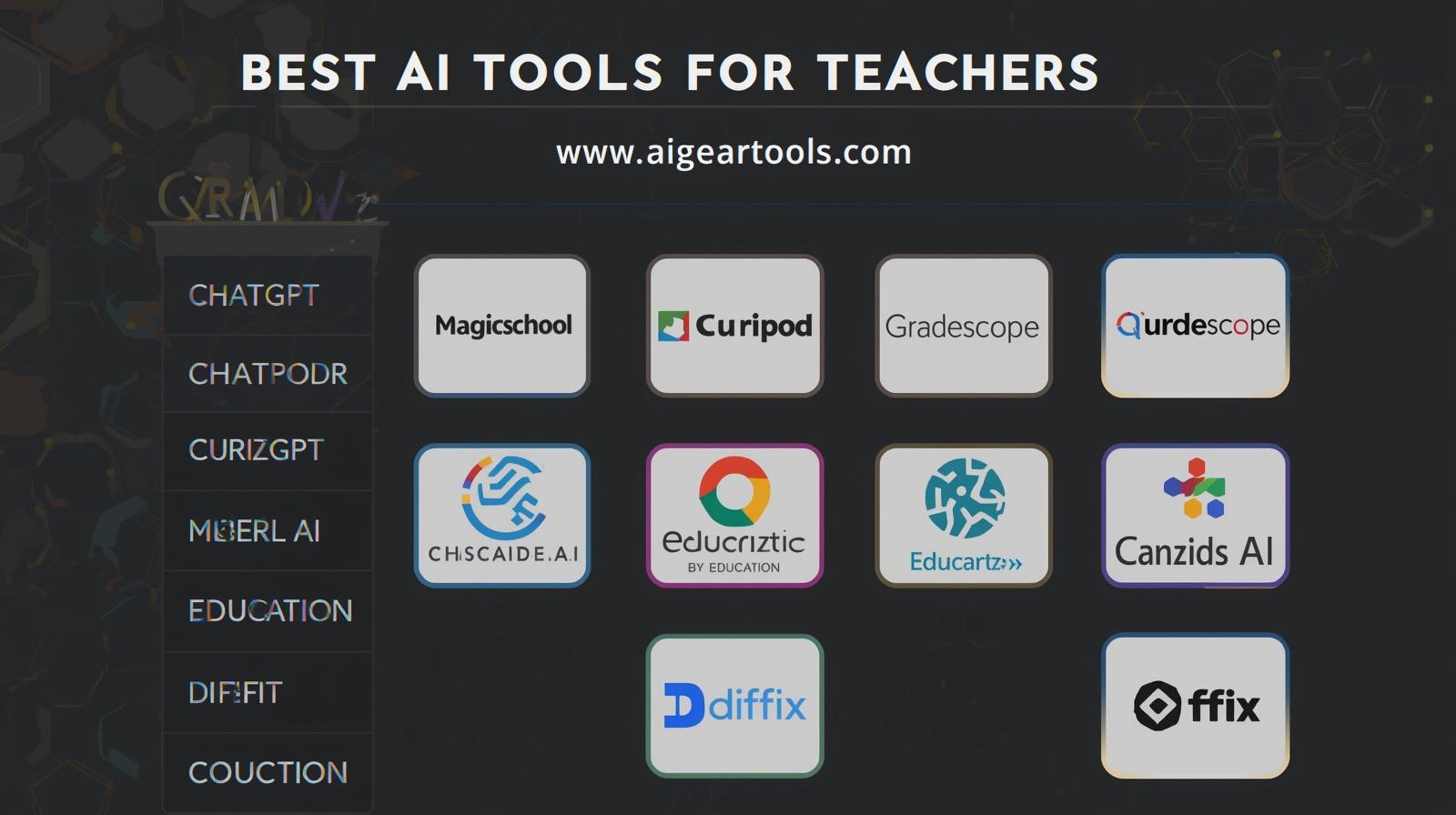
Teaching in 2026 looks very different than it did just a few years ago. Artificial Intelligence has entered classrooms worldwide, helping educators save time, personalize learning, and engage students in new ways. From lesson planning to grading, AI tools are becoming essential companions for teachers.
At AI Gear Tools, we’ve compiled a comprehensive list of the top AI tools for teachers in 2026. This guide includes pricing, features, pros & cons, FAQs, and our verdict on which tools are best suited for different teaching needs.
📊 AI Tools for Teachers — Comparison Table
| Tool | Website | Best For | Free Version? | Starting Price | Key Features | Rating |
|---|---|---|---|---|---|---|
| ChatGPT | https://chat.openai.com | Lesson ideas & planning | ✔️ Yes | ~$20/mo (Plus) | Generates lesson plans, explanations, worksheets | ⭐⭐⭐⭐☆ |
| MagicSchool AI | https://magicschool.ai | All-in-one educator assistant | ✔️ Yes | ~$8.33/mo | Lesson plans, quizzes, differentiation | ⭐⭐⭐⭐☆ |
| Curipod | https://curipod.com | Interactive lessons | ✔️ Yes | ~$10/mo | AI slides, polls, engagement tools | ⭐⭐⭐⭐⭐ |
| Gradescope | https://gradescope.com | AI grading assistant | ✔️ Limited | Institutional/paid | Auto grading, analytics | ⭐⭐⭐⭐☆ |
| Quizizz AI | https://quizizz.com | AI quiz creation | ✔️ Yes | Some Paid | AI generated quizzes & polls | ⭐⭐⭐⭐☆ |
| Eduaide.AI | https://eduaide.ai | Lesson materials & rubrics | ✔️ Yes | ~$5.99/mo | Lesson plans, assessments | ⭐⭐⭐⭐☆ |
| Canva for Education | https://www.canva.com/education/ | Visuals & classroom design | ✔️ Yes | Free for teachers | Posters, visuals, Magic Write | ⭐⭐⭐⭐☆ |
| Socratic by Google | https://socratic.org | Student help tool | ✔️ Yes | Free | Homework help & explanations | ⭐⭐⭐⭐☆ |
| TeachFX | https://teachfx.com | Classroom talk analytics | ✔️ Limited | Paid | Participation & voice analytics | ⭐⭐⭐⭐☆ |
| Diffit | https://diffit.org | Differentiated reading | ✔️ Yes | Paid options | Custom reading levels | ⭐⭐⭐⭐☆ |
Disclaimer: Pricing may change. Please check the official website for the latest details.
🔍 Detailed Reviews with Pros & Cons
ChatGPT
- Best For: Lesson ideas, explanations, and worksheets.
- Pros:
- Free plan available.
- Generates diverse lesson materials quickly.
- Great for brainstorming and student Q&A.
- Cons:
- Requires teacher oversight for accuracy.
- Verdict: A versatile assistant for lesson planning and classroom support.
MagicSchool AI
- Best For: All-in-one educator support.
- Pros:
- Affordable pricing.
- Creates quizzes, lesson plans, and differentiated materials.
- Tailored for teachers.
- Cons:
- Still growing in integrations.
- Verdict: Designed specifically for educators, making it a strong classroom companion.
Curipod
- Best For: Interactive lessons and student engagement.
- Pros:
- AI-generated slides and polls.
- Encourages active participation.
- Affordable entry pricing.
- Cons:
- Requires internet access for full functionality.
- Verdict: Excellent for teachers who want to make lessons more engaging.
Gradescope
- Best For: AI-assisted grading.
- Pros:
- Saves time with auto-grading.
- Provides analytics on student performance.
- Cons:
- Institutional pricing, not always accessible individually.
- Verdict: A powerful grading tool for schools and universities.
Quizizz AI
- Best For: AI quiz creation.
- Pros:
- Free plan available.
- Generates quizzes and polls instantly.
- Fun gamified learning experience.
- Cons:
- Some features locked behind paid plans.
- Verdict: Great for teachers who want interactive assessments.
Eduaide.AI
- Best For: Lesson materials and rubrics.
- Pros:
- Affordable subscription.
- Creates assessments and lesson plans.
- Cons:
- Less known compared to bigger platforms.
- Verdict: A budget-friendly option for teachers needing structured materials.
Canva for Education
- Best For: Classroom visuals and design.
- Pros:
- Free for teachers.
- Easy-to-use design templates.
- Includes Magic Write for text generation.
- Cons:
- Limited advanced design compared to Adobe.
- Verdict: Perfect for creating posters, slides, and classroom visuals.
Socratic by Google
- Best For: Student homework help.
- Pros:
- Free to use.
- Provides explanations and step-by-step solutions.
- Cons:
- Focused more on students than teachers.
- Verdict: A great companion for students needing extra support.
TeachFX
- Best For: Classroom participation analytics.
- Pros:
- Tracks student talk time.
- Provides insights into engagement.
- Cons:
- Paid plans required for full features.
- Verdict: Useful for teachers aiming to improve classroom participation.
Diffit
- Best For: Differentiated reading materials.
- Pros:
- Customizes reading levels.
- Free plan available.
- Cons:
- Paid options for advanced features.
- Verdict: Excellent for inclusive classrooms with diverse reading abilities.
❓ Frequently Asked Questions (FAQ)
Q1: Which AI tool is best for lesson planning? 👉 ChatGPT, MagicSchool AI, and Eduaide.AI are strong options.
Q2: Which tool helps with student engagement? 👉 Curipod and Quizizz AI are designed for interactive learning.
Q3: Can AI tools replace teachers? 👉 No. AI supports teachers but cannot replace human creativity, empathy, and classroom management.
Q4: Which tool is best for grading? 👉 Gradescope is the leading AI grading assistant.
Q5: Are these tools safe to use in classrooms? 👉 Yes, but teachers should review AI-generated content for accuracy and appropriateness.
🏁 Conclusion
AI tools are transforming education in 2026. From ChatGPT’s lesson planning to Curipod’s interactive slides and Gradescope’s grading automation, each tool offers unique benefits.
At AI Gear Tools, our verdict is simple:
- Lesson planning → ChatGPT, MagicSchool AI, Eduaide.AI.
- Student engagement → Curipod, Quizizz AI.
- Grading & analytics → Gradescope, TeachFX.
- Classroom visuals → Canva for Education.
- Student support → Socratic by Google, Diffit.
By combining these tools, teachers can save time, personalize learning, and create more engaging classrooms.